
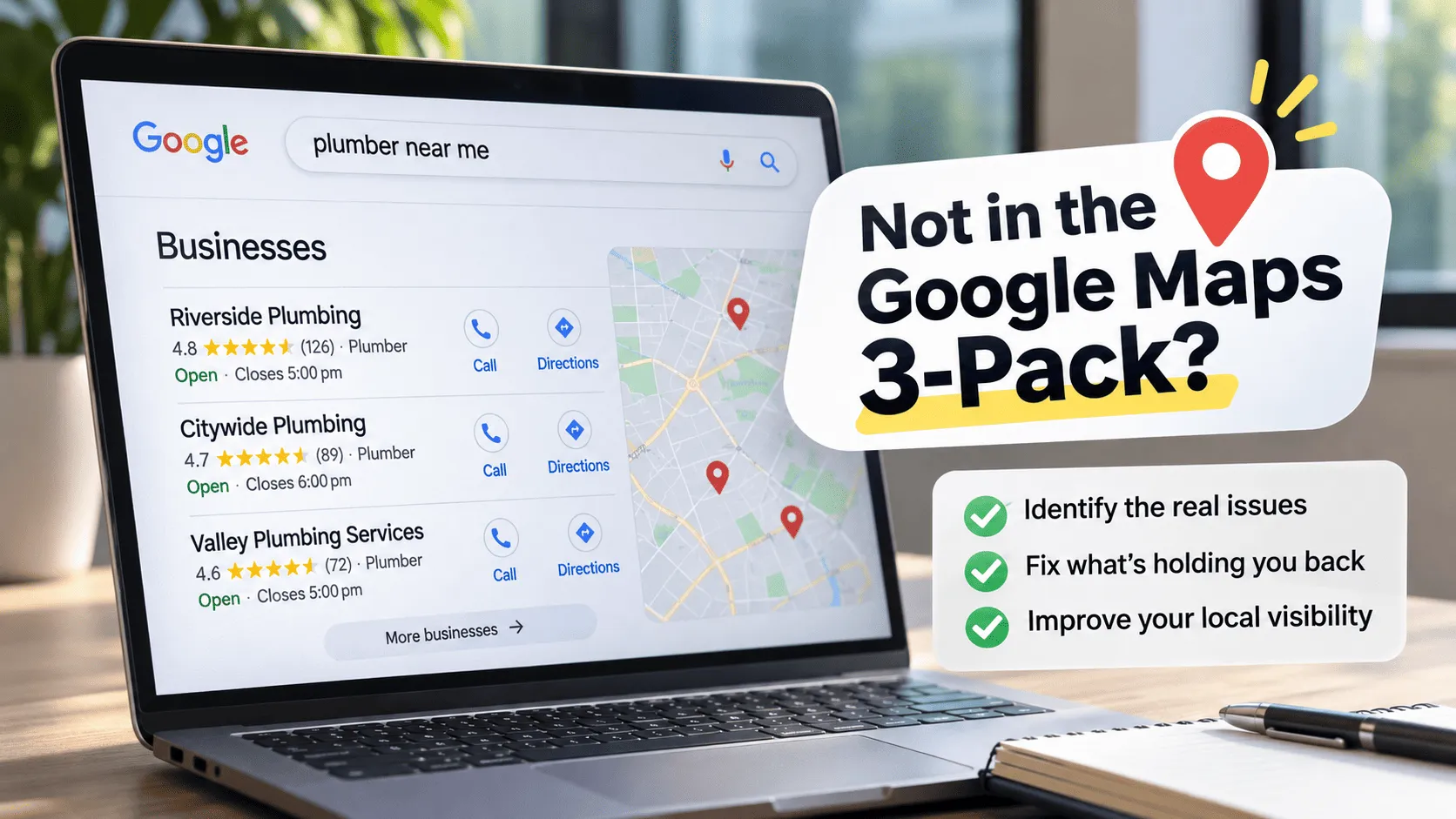
When someone searches for a service near them, Google often displays a map alongside three local business listings. This prominent section, commonly called the Google Maps 3-pack or local 3-pack, can put businesses directly in front of customers who are ready to call, visit, or request a quote.
But what happens when your competitors appear and your business doesn’t?
You might have a website, a Google Business Profile, positive customer reviews, and years of experience. Yet when you search for your services on Google, your business is nowhere to be found.
It’s a frustrating problem, especially when local customers are actively looking for what you offer.
The good news is that poor Google Maps visibility is often diagnosable. Your business might be targeting the wrong categories, operating with an incomplete profile, struggling to establish local prominence, or competing in an area where other businesses have a geographic advantage.
In this guide, we’ll explain why your business might not appear in Google’s local 3-pack, how to diagnose the underlying problem, and what you can do to improve your local search visibility.
What is the Google Maps 3-pack?
The Google Maps 3-pack is the group of three local business listings that Google may display prominently in search results for queries with local intent.
For example, someone might search for:
- “Plumber near me”
- “Best dentist in Chicago”
- “Emergency electrician in Scottsdale”
- “Digital marketing agency in Richmond”
- “Italian restaurant near me”
Depending on the search, location, device, and results layout, Google may display a map with three business listings before the traditional organic search results.
These listings typically show information such as the business name, rating, review count, location or service area, opening hours, and links to call, visit the website, or request directions.
The exact information displayed varies by business category and search context.
Why does the local 3-pack matter?
Local searchers often have a specific need and want to find a nearby provider quickly. Appearing prominently can make your business easier to discover and contact.
Potential benefits include:
- More calls and enquiries from local customers.
- More visits to your physical premises, where applicable.
- Greater awareness of your business in your service area.
- More opportunities to earn reviews and repeat business.
- Additional exposure alongside your traditional organic search presence.
Improving your Google Maps visibility requires more than fixing one isolated issue. Your Google Business Profile, website relevance, local authority, reviews, and geographic targeting all work together. For a broader look at how these factors influence local rankings, read our ultimate local SEO blueprint.
However, appearing in the 3-pack does not automatically translate into sales. Your business still needs to offer a compelling service, communicate trustworthiness, and make it easy for prospective customers to take the next step.
If your local visibility has stalled, here are 10 reasons why your business isn’t showing up on the Google Maps 3-Pack and the exact steps you can take to fix them.
1. Your Google Business Profile is missing, unverified, or suspended
Before investigating advanced local SEO strategies, confirm that Google can access and display your business profile correctly.
Your Google Business Profile is the foundation of your presence in Google Maps and local search. If you haven’t created one, completed verification, or resolved a suspension, other optimisation work may have little effect.
Check whether your profile exists
Search for your exact business name on Google and Google Maps.
If a listing appears, check whether it represents the correct business and whether you can manage it.
If you cannot find a listing, check your Google Business Profile account to determine whether a profile exists, needs verification, or has been disabled.
Verify your business
Google recommends verifying your Business Profile. Verification helps establish that you’re authorised to represent the business.
Follow the verification process available in your account. The methods offered may vary depending on your business and circumstances.
Check for suspension or restrictions
If your profile has been suspended or disabled, review the notification and the applicable guidelines. Resolve the underlying issue and follow Google’s reinstatement process where appropriate.
Creating additional profiles to work around a suspension can make the situation more complicated.
Important: A verified profile is not a guarantee of high rankings. Verification establishes an important foundation, but Google still evaluates which businesses are relevant and prominent for a particular search.
2. Your primary business category is incorrect
Your Google Business Profile category helps Google understand what your business does.
If the category doesn’t accurately describe your core business, Google may struggle to match your listing with relevant searches.
For example, a business primarily providing plumbing services could be poorly represented if its primary category describes a more general home improvement service.
The same principle applies to professional services, restaurants, medical practices, retail businesses, and agencies.
How to choose the right category
Start with the most accurate available category that describes your main business activity.
Ask yourself:
- What service or product generates most of our business?
- What would a customer call our type of business?
- Which available Google category describes that activity most precisely?
- Do our competitors have different categories because they genuinely offer different services?
You can add relevant secondary categories when they accurately describe additional business activities. However, don’t add categories simply because you want to rank for more keywords.
Google advises businesses to use as few categories as necessary to describe their core business and to choose categories that are as specific as possible.
Should you change your category frequently?
No. Constantly experimenting with categories without a clear reason makes it harder to understand what’s affecting performance.
Choose the category that best reflects your real business, make the change if necessary, and monitor the results over time.
3. Your business information is incomplete or inaccurate
Google needs reliable information to understand your business and help customers find it.
An incomplete profile may provide less useful context than a well-maintained one. Incorrect information can also create a poor customer experience.
Review the following details:
- Business name
- Primary and secondary categories
- Address or service area
- Phone number
- Website
- Opening hours
- Business description
- Relevant attributes
- Services or products, where supported
Pay particular attention to your address and service area.
If you operate a physical location that customers can visit, make sure your address is accurate.
If you travel to customers rather than receiving them at your premises, configure your profile as a service-area business where eligible and hide your address when required.
Do not use a virtual office or an address where your business does not genuinely operate to manufacture a local presence.
Your business name should also reflect your real-world identity. Adding extra keywords, locations, or service terms to the name solely to influence rankings can violate Google’s guidelines and put your profile at risk.
4. Your business is too far from the searcher
Distance is one of the three primary factors Google identifies in local ranking.
This is an important point because it explains why two people searching for the same service can see different results.
Imagine you operate a plumbing company in Westlands, Nairobi.
A customer searching from Westlands may see your business prominently. Someone searching from Karen might see different businesses that are closer to them.
Your profile hasn’t necessarily become less relevant. The geographic context of the search has changed.
Why this matters when checking your rankings
Searching for your business from your office, home, or phone is not a reliable way to evaluate your visibility across an entire city.
Your location can influence the results you see. So can the search term, device, and competitive environment.
A business might rank well in one neighbourhood and poorly in another.
This is why local SEO assessments should examine visibility across multiple relevant areas rather than relying on a single search.
Can you rank across an entire city?
Potentially, but you should not assume that one location will rank equally well everywhere.
Your actual service area, the locations of competing businesses, the nature of the search, and the searcher’s location all affect the opportunity.
Instead of trying to dominate an entire city immediately, identify the locations where you have the strongest legitimate competitive position.
Prioritise those areas and expand your strategy based on evidence.
If you are optimizing your geographic settings but finding that your profile is attracting inquiries outside your service area, see our guide on How to Stop Getting Out-of-State Phone Calls for Your Local Service Business.
5. Your competitors have greater local prominence
Even when your business is relevant and geographically close to the searcher, competitors may appear above you.
One reason is prominence.
Google describes prominence as how well-known a business is. Its guidance identifies information such as links from other websites and customer reviews as factors that can contribute to prominence.
This doesn’t mean that acquiring a specific number of backlinks or reviews will automatically move your business into the 3-pack. Google doesn’t publish a complete formula or guarantee particular outcomes from individual actions.
However, building a stronger reputation and a more credible online presence is a sensible part of a local SEO strategy.
How to strengthen local prominence
Start with the following activities.
- Earn genuine customer reviews.
Ask customers to share honest feedback about their experience. Make the process convenient, and never pressure customers to leave positive reviews in exchange for rewards.
- Respond to reviews.
Thank customers for their feedback and respond professionally to concerns. Avoid sharing private customer information in public replies.
- Build relevant local relationships.
Consider partnerships with legitimate local organisations, industry associations, suppliers, community groups, and other relevant businesses.
- Earn relevant backlinks.
Seek editorial mentions and links from credible websites that genuinely relate to your business, industry, or community.
- Maintain a consistent business identity.
Make sure your website and other legitimate business profiles accurately represent your name, contact information, location, and services.
The objective is not to manufacture popularity. It’s to build a business that genuinely deserves to be recognised and recommended.
6. You have too few reviews—or you’re not managing them well
Reviews influence how potential customers perceive your business, and Google identifies reviews as one of the factors that can contribute to prominence.
However, the relationship between reviews and rankings is not as simple as “more reviews always wins.”
A competitor with fewer reviews may still appear above you because it is closer to the searcher or more relevant to the query.
Likewise, a high star rating doesn’t guarantee a top-three position.
Build a sustainable review-generation process
Rather than launching a short-term campaign to collect as many reviews as possible, build review requests into your normal customer experience.
A simple process might look like this:
- Complete the customer’s service or purchase.
- Confirm that the customer is satisfied or resolve any outstanding issues.
- Send a polite request for an honest review.
- Make it easy for the customer to find your review link.
- Respond to feedback and use it to improve your business.
Ask customers for genuine feedback without dictating what they should say.
Do not buy reviews, create fake customer accounts, or offer incentives in exchange for positive reviews.
What about negative reviews?
A negative review does not automatically mean your business will lose its rankings.
Respond constructively, investigate legitimate complaints, and improve the underlying customer experience where necessary.
If a review violates Google’s policies, you can report it for assessment. Don’t report reviews simply because you disagree with the customer’s opinion.
Getting negative feedback is bound to happen as your business grows, but how you handle it determines whether it hurts your visibility. If you’ve recently received an unfair or malicious rating, read our step-by-step diagnostic on How to Handle a 1-Star Google Review Before It Kills Your Local Rankings.
7. Your website doesn’t reinforce your local relevance
Your Google Business Profile is important, but your website also helps communicate what your business does and where it operates.
A website that provides little information about your services, business location, or target customers may miss opportunities to reinforce the relevance of your profile.
This is especially important for businesses operating in competitive local markets.
Create useful service and location information
Start with a clear services page that describes what you actually offer.
Where relevant, explain:
- The services you provide.
- The customers you serve.
- The locations you genuinely cover.
- Your service process.
- What differentiates your business.
- How customers can contact you.
For a business with a physical location, ensure that the contact page accurately reflects the location and provides useful directions or other practical details.
For a legitimate multi-location business, create distinct location pages that offer genuinely useful information about each location.
Avoid generating dozens of near-identical pages that merely swap one suburb or city name for another. Those pages rarely provide a useful experience and can create search-quality problems.
Add relevant local business information
Your website should communicate the same real-world business identity as your profile.
Where appropriate, structured data can help search engines understand information such as your business name, address, phone number, and type.
Structured data does not guarantee higher local rankings or inclusion in the 3-pack. It is one part of making your website’s information clear and machine-readable.
Don’t confuse organic rankings with Maps rankings
A business can perform well in traditional organic search results and still not rank on Google Maps 3-pack.
The reverse can also happen.
The two systems are related in the broader local search experience, but they are not interchangeable. Improving your website’s organic rankings alone does not guarantee that your Google Business Profile will rank in Google Maps.
8. Your business has duplicate profiles or inconsistent information
Duplicate Google Business Profiles can create confusion about which listing represents the actual business.
Inconsistent details across your website and other legitimate business listings can also make it harder for customers to identify the correct business.
Check whether your business has:
- Multiple profiles for the same location.
- Old listings that should be addressed.
- Different phone numbers across important business properties.
- An outdated address.
- A previous business name that is still being used incorrectly.
- Incorrect location information on the website.
How to resolve the problem
First, establish which profile is the legitimate one for the business.
Then follow Google’s guidance for duplicates, ownership, and business information changes. Don’t create additional listings in an attempt to occupy more positions in Maps.
If you have multiple genuine locations, each must qualify under Google’s guidelines and represent a distinct eligible location.
A single business should not create duplicate profiles merely to target different neighbourhoods.
9. Your profile is eligible, but your competitors are better optimised
Sometimes the problem isn’t a technical error or an incomplete profile. Your competitors may simply have stronger local relevance or prominence.
To diagnose this, compare your business with the companies appearing in the 3-pack for your most commercially important searches.
Look at:
| Area | What to investigate | Potential action |
|---|---|---|
| Business category | Are competitors using a more accurate primary category? | Correct your category where appropriate |
| Services | Do competitors communicate their offerings more clearly? | Improve your profile and service pages |
| Reviews | What do customers say about competing businesses? | Build a consistent, genuine review process |
| Website | Do competing sites provide stronger service and location information? | Improve your relevant pages |
| Local reputation | Are competitors mentioned by relevant organisations or publications? | Develop legitimate local relationships |
| Geographic position | Are competitors closer to the searcher? | Focus on areas where your business has a realistic opportunity |
| Profile completeness | Are your business details missing or outdated? | Complete and maintain your profile |
The purpose of competitor analysis is to identify meaningful gaps—not to copy every decision a competitor makes.
A competitor might have a different business model, a more convenient location, or a stronger established reputation. Some of those advantages cannot be replicated quickly, and others may not be worth pursuing.
Prioritise changes that are legitimate, relevant to your business, and likely to improve the customer experience.
10. You may be measuring local rankings incorrectly
One of the most common mistakes in local SEO is treating a single search as a definitive ranking report.
You search for your service, see your business in fourth place, and conclude that your optimisation has failed.
But local results can change depending on the searcher’s location, the query, and other contextual factors.
A more useful assessment examines visibility across a representative set of searches and locations.
For example, a Nairobi-based business might monitor relevant searches from several areas where it actually operates.
The goal isn’t to manipulate your location to produce a favourable result. It’s to understand where the business is visible and where it has opportunities to improve.
Track more than rankings
Rankings are useful diagnostic indicators, but they aren’t the ultimate business objective.
Track metrics such as:
- Google Business Profile views and interactions, where available.
- Website clicks from your profile.
- Calls and direction requests, where relevant.
- Qualified enquiries.
- Leads generated from local search.
- Conversions and revenue attributable to local search where measurement permits.
These metrics help distinguish between a visibility problem and a conversion problem.
For example, if your business receives profile views but very few enquiries, you may need to investigate your service offering, reviews, pricing, availability, or the quality of the traffic—not simply chase higher rankings.
Putting it all together - you have to fix the underlying problem before chasing rankings
Diagnosing local visibility isn’t about fixing one item in isolation - it’s about evaluating how your profile, geographic location, and digital reputation interact as a complete ecosystem.
If your business isn’t appearing in Google’s local 3-pack, don’t assume you need more backlinks, more reviews, or another round of website changes.
Start by establishing whether your business is eligible to appear, then investigate the factors that influence its local visibility.
Make sure your Google Business Profile is accurate and complete. Choose an appropriate category. Build a credible local reputation. Strengthen the website information that helps customers understand your services and locations. Finally, measure visibility across relevant areas and connect those observations to real enquiries and business outcomes.
Local SEO works best when it reflects the reality of your business rather than attempting to manipulate the search results.
The objective isn’t simply to appear in the top three. It’s to become a relevant, credible choice for the customers you want to reach.
Once you’ve fixed everything, how long will it take to improve Google Maps rankings?
There is no universal timeline for entering the local 3-pack.
Some corrections, such as fixing inaccurate business information, can be implemented relatively quickly. Other improvements, such as strengthening local reputation or establishing a more competitive website, may take considerably longer.
The timeline depends on factors including:
- Your current profile status.
- The competitiveness of your market.
- Your distance from searchers.
- The strength of competing businesses.
- The scale of the issues identified.
- How quickly the necessary improvements can be implemented.
- Google’s processing and ranking systems.
Avoid agencies or consultants promising guaranteed 3-pack rankings within a fixed number of days.
A credible local SEO strategy starts with a diagnosis, establishes measurable objectives, and tracks changes over time.
Frequently asked questions
Why is my business not showing up on Google Maps?
Possible reasons include an unverified or suspended profile, inaccurate business information, an unsuitable category, limited relevance or prominence, or the distance between your business and the searcher. Start by checking your profile status and eligibility before investigating competitive factors.
Why is my business not ranking on Google Maps?
Low rankings on Google Maps typically stem from weak prominence, suboptimal category selection, incomplete profile details, inconsistent local citations, or a lack of steady customer reviews. Unlike visibility issues caused by suspensions, ranking lower in the local pack usually means competitors have stronger authority signals or are physically closer to the searcher. Start by optimizing your primary business category, building consistent local reviews, and strengthening your website’s local relevance.
Does having more Google reviews improve Maps rankings?
Reviews can contribute to prominence, according to Google’s guidance. However, the number of reviews alone does not determine rankings. Relevance, distance, and other aspects of prominence also matter.
Can I pay Google to rank in the local 3-pack?
Google states that businesses cannot request or pay for a better organic local ranking. Advertising may provide separate paid visibility, but it does not purchase an organic Maps position.
Do I need a website to appear in Google Maps?
A website can help customers understand your services and can support your broader local presence. However, a website is not the sole basis for eligibility or local ranking. Your business must meet Google’s Business Profile requirements.
Should I add my city to my Google Business Profile name?
Only if the city is genuinely part of your real-world business name. Adding location keywords solely to influence rankings can violate Google’s guidelines. Use the appropriate address, service-area, category, and website fields to communicate your location and services.
Why do I rank in one neighbourhood but not another?
Distance is a primary local ranking factor. Your position can vary as the searcher’s location changes, and competing businesses may have different geographic advantages. Monitor a representative set of relevant areas rather than relying on one search.
How can I check my Google Maps rankings accurately?
Use a consistent set of relevant search terms and geographic points, and record results over time. A dedicated local rank-tracking tool can help you visualise geographic visibility, but no single report should be treated as a complete picture of local performance.
Can local SEO guarantee a top-three Maps ranking?
No reputable provider can guarantee an organic local 3-pack position. Local rankings depend on factors outside an agency’s direct control, including searcher location, competition, and Google’s ranking systems.